
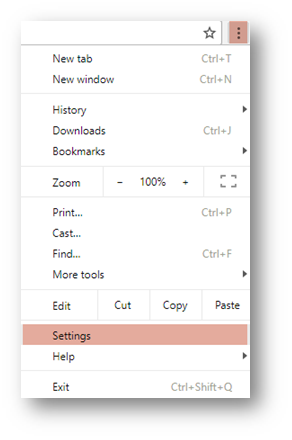
eraPower shares its cache with the Chrome browser. In order to clear the cache, please open the Chrome Browser and click on the three dots to open the menu > More Tools > Settings
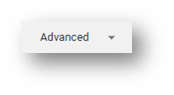
Scroll to the bottom and click on Advanced
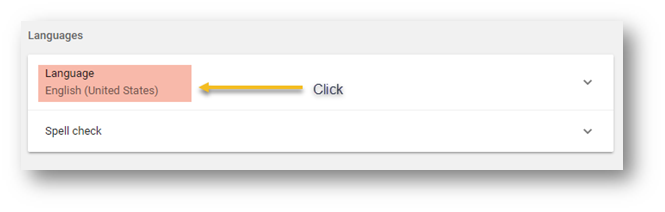
Scroll down till you see Languages and click on the Language
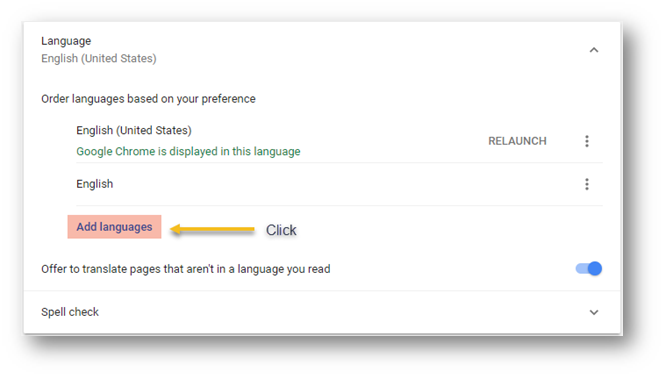
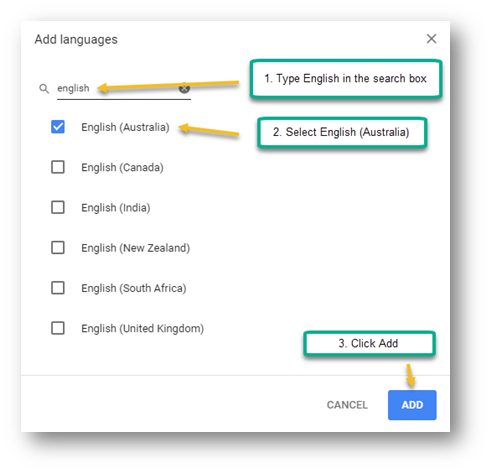
Click on Add Languages
Type English in the search box > Select English (Australia) > Click on Add
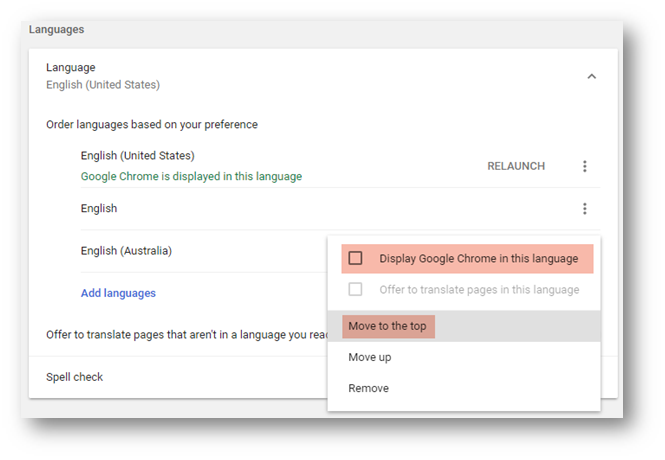
Click on the 3 dots on the line that belongs to English (Australia) > Click on Move to the Top > Repeat and tick the box “Display Google Chrome in this language”
Comments
0 comments
Please sign in to leave a comment.