
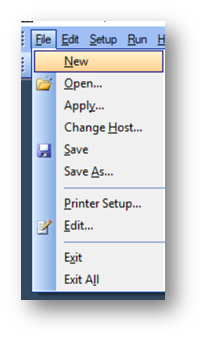
Open ERAlink > Click on File > New
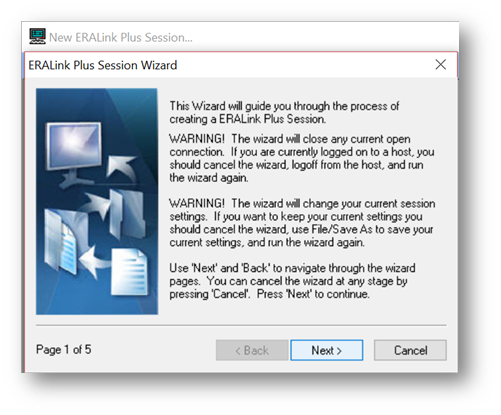
Click Next
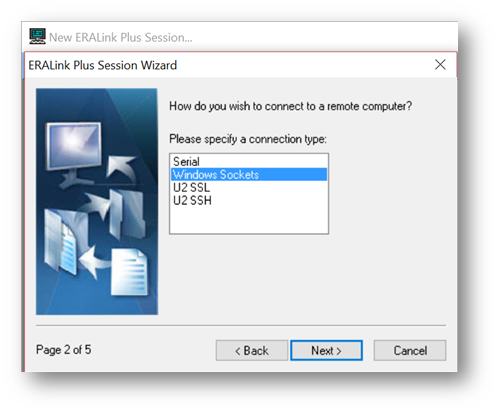
Choose Windows Sockets > Click Next
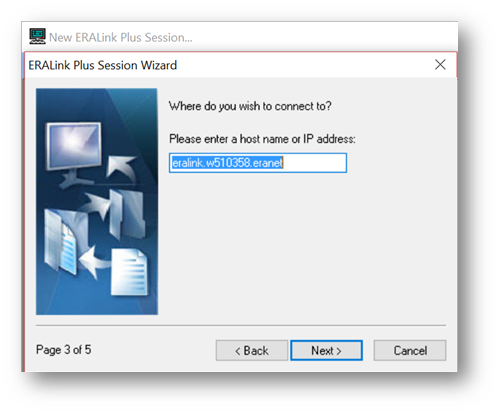
Type in eralink.w510358.eranet > Click Next
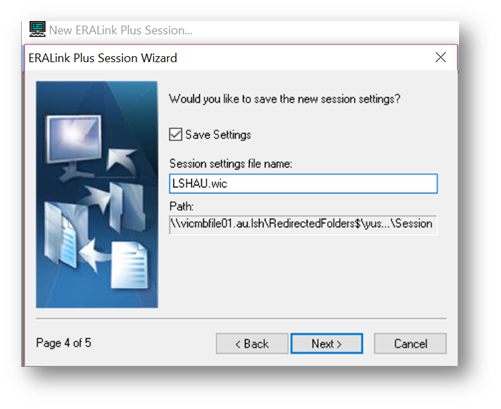
Give it the name LSHAU.wic as per below > Click Next
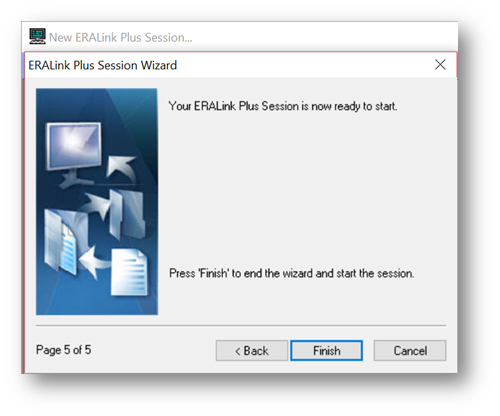
Click Finish
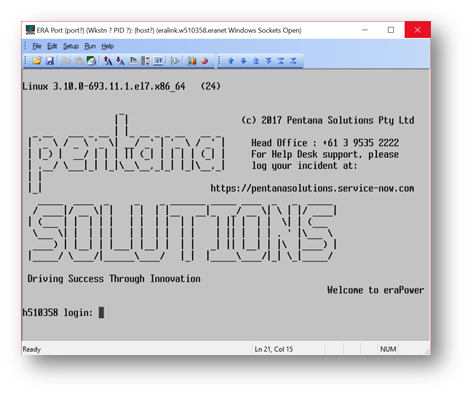
You will see the login screen as per below
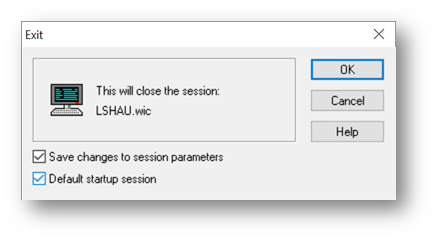
Hit the “X” to close the session. Please ensure that you click on ‘Save changes to session parameters’ and’ Default start up session’ > Click OK
Comments
0 comments
Please sign in to leave a comment.