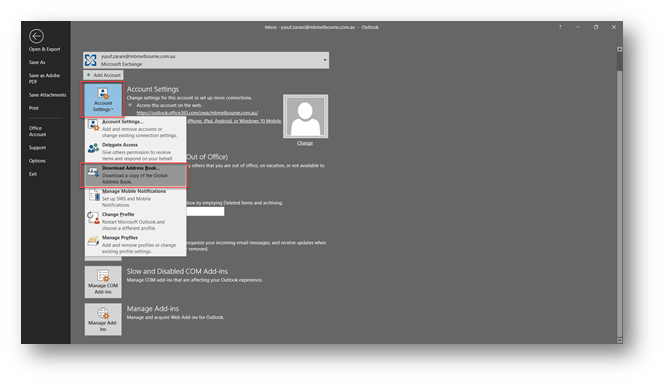
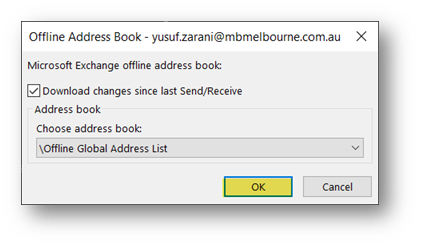
📧 Updating Outlook Address Book Tay Lee June 13, 2019 07:53 Updated Open Outlook > Click on File > Account Settings > Download Address Book Click OK Updating Outlook Address Book.pdf 200 KB Download Related articles LSH Performance Reviews Clearing Internet Explorer Cache Kyocera Printer Drivers Comments 0 comments Please sign in to leave a comment.

Comments
0 comments
Please sign in to leave a comment.